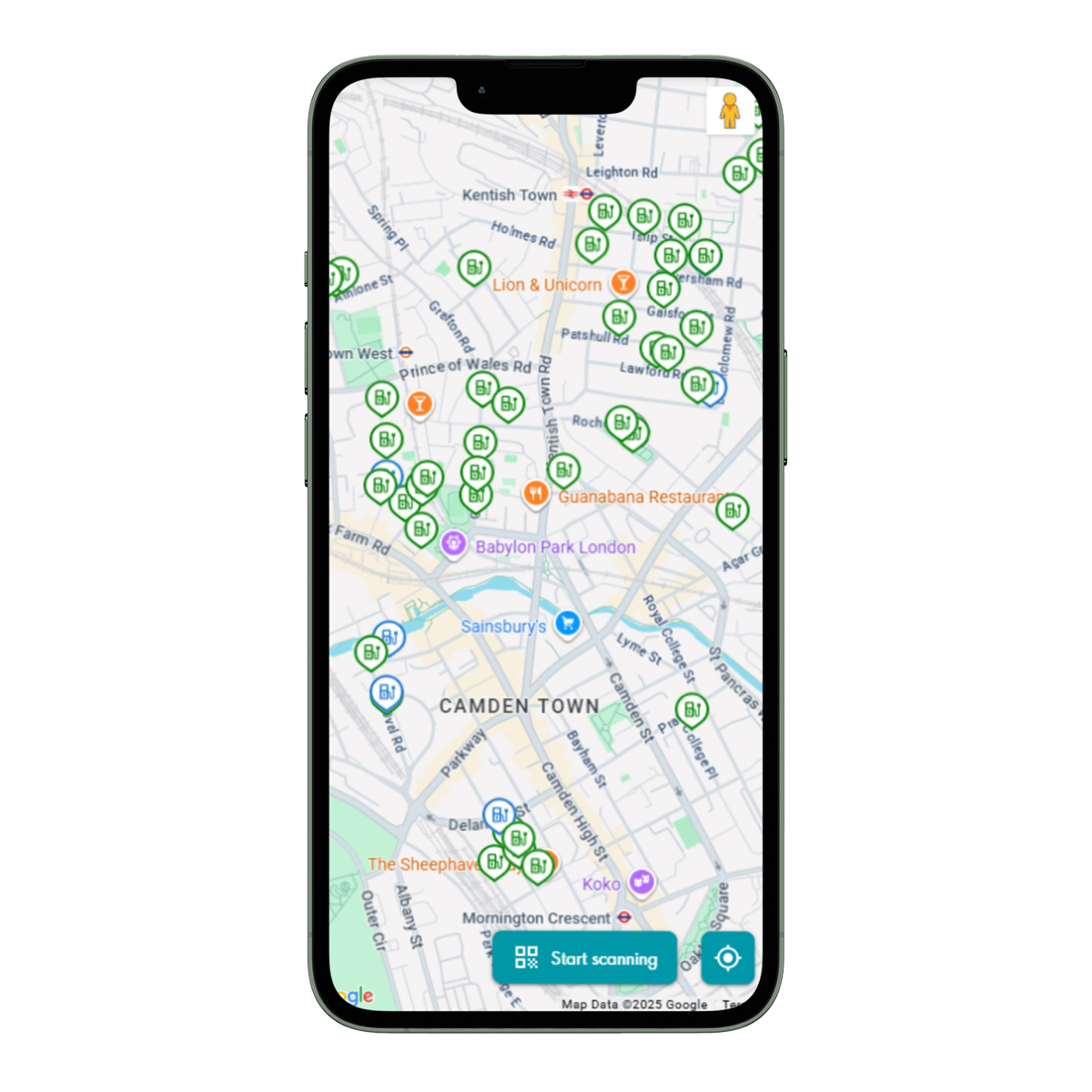
Find your nearest ubitricity-operated charging station
Scroll down and use our interactive map to locate all ubitricity operated Shell Recharge charge points. You can also download the Shell App for access to even more charge points.

Make finding a ubitricity charger even easier by saving our charging map directly to your phone’s home screen
Adding the map as a web app means you can open it instantly, without needing to download anything from an app store.
iOS (iPhone & iPad)
Important: On iOS, this feature works fully only when using Safari.
- Open Safari on your iPhone or iPad.
- Navigate to https://charge.ubitricity.com
- Or three dots at the bottom of the page, then tap the share icon
- Scroll down or click “view more” and tap Add to Home Screen.
- If you don’t see Add to Home Screen, scroll down to the bottom of the list, tap Edit Actions, then tap “Add to Home Screen”.
- Turn on Open as Web App.
- Tap Add.
The website will now appear on your home screen as an icon and can be launched like an app.
Android (phones & tablets)
These steps use Google Chrome, which is the most common Android browser. Other browsers may have similar wording.
- Open Chrome on your Android device.
- Go to https://charge.ubitricity.com/
- Tap the three‑dot menu (top right).
- Select Add to Home screen.
The shortcut will appear on your home screen and can be moved or placed in folders like any other app icon.